
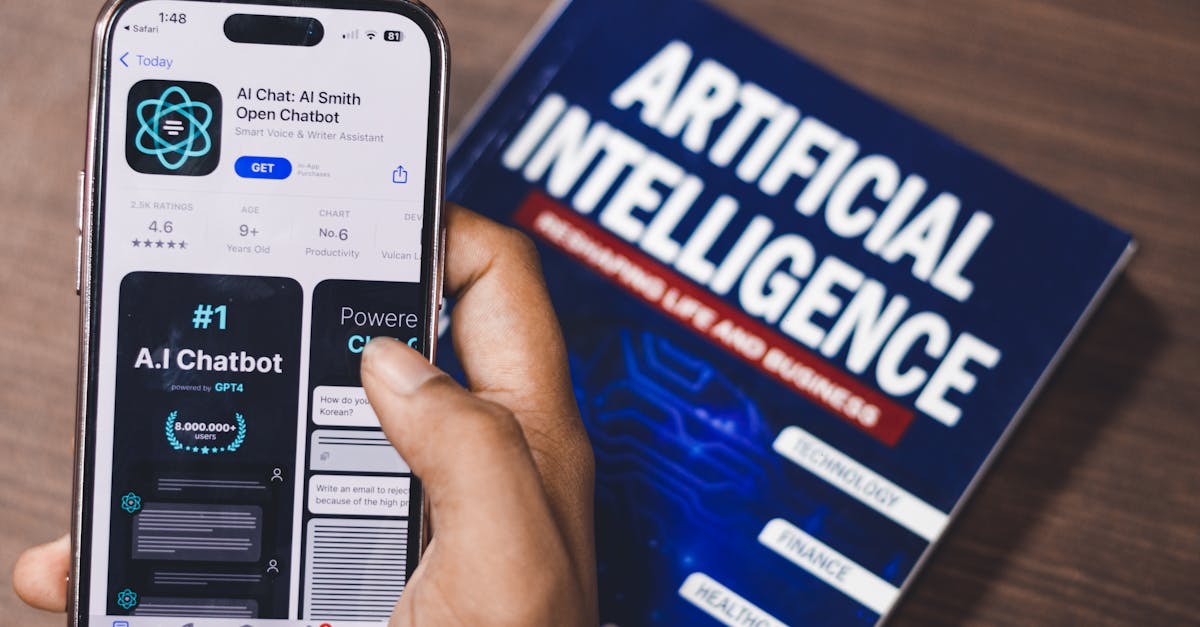
PCの問題を解決するためのAIチャットボットの使用
人工知能はテクニカルサポートを革命的に変え、CopilotやChatGPTのようなツールを提供してPCの問題を診断し解決する手助けをしています。これらのAIチャットボットは、エラーメッセージを解釈し、潜在的な原因を特定し、実行可能な解決策を提案するように設計されています。しかし、これらのチャットボットの効果は、ユーザーがどのようにそれらと対話するかに依存します。
ZDNETのカイル・クハルスキーは、この概念をさらに探求し、AIチャットボットがその診断能力で驚かせる一方で、誤った提案でフラストレーションを引き起こすことがあると洞察を共有しています。彼は、これらのAIモデルのトラブルシューティング能力を向上させるために、明確で具体的な情報を提供することの重要性を強調しています。

AIチャットボットのための効果的なプロンプトの作成
CopilotやChatGPTのようなAIチャットボットを最大限に活用するために、ユーザーは詳細で具体的なプロンプトを作成することに焦点を当てるべきです。Copilotによれば、明確な問題の説明が不可欠です。たとえば、「私のPCは遅い」と言う代わりに、「私のWindows 11 PCはファイルエクスプローラーを開くと10〜20秒間フリーズします」といった詳細なプロンプトは、チャットボットに実行可能な情報を提供します。
ユーザーは特定のエラーメッセージ、システムへの最近の変更、およびすでに行ったトラブルシューティング手順を含めるべきです。この構造化されたアプローチは、チャットボットがより正確で役立つ回答を生成するのに役立ちます。
Addressing Overconfidence in AI Responses
AI chatbots often exhibit overconfidence in their responses, which can lead to frustration for users. To mitigate this, users can prompt chatbots to provide a range of possible solutions along with their confidence levels. Asking the chatbot to "walk through its reasoning" before offering a recommendation can also help users identify any weak assumptions.
"Think of me as a knowledgeable assistant," advises Copilot, "not a replacement for good judgment." By challenging the chatbot's conclusions and requesting alternative solutions, users can ensure a more balanced interaction.

Tips for Maximizing AI-Assisted Troubleshooting
For users looking to optimize their experience with AI chatbots, treating troubleshooting as a conversation is key. Users should be prepared to provide additional details and ask follow-up questions if the initial response is insufficient. This iterative process helps narrow down the root cause of the issue.
Additionally, users are advised to be cautious with any suggested actions, such as running commands or editing registry settings, especially if they are unfamiliar with the potential impact. AI chatbots should be seen as guides that complement user expertise, not as infallible solutions.
Sources
Explore AI Companion Categories
Interested in experiencing AI companions for yourself? Explore our curated categories:
Popular AI Companion Categories
- AI Girlfriend Companions - Romantic AI relationships and virtual partners
- AI Boyfriend Companions - Male AI companions for romantic connections
- Roleplay & Character Chat - Creative roleplay and immersive conversations
- AI Romantic Companions - Emotional connections and virtual relationships
- AI Voice Companions - Realistic voice chat and calls
- AI Anime Companions - Anime-style characters and waifu chat
For complete comparisons with detailed feature breakdowns, pricing, and recommendations, explore our full categories overview or browse all AI companions.
Best-rated AI Chat Companions
Looking for the top-rated AI companions? Here are our highest-rated platforms:
Frequently Asked Questions
How can I improve the accuracy of AI chatbot responses?
Provide detailed and specific prompts, including error messages and recent changes to your system.
What should I include in a troubleshooting prompt for AI chatbots?
Include the problem description, error messages, recent changes, system details, and previous troubleshooting steps.
How can I address overconfidence in AI chatbot responses?
Ask for alternative solutions and confidence levels, and request the reasoning behind recommendations.
Are AI chatbots a replacement for human tech support?
No, they are tools to assist with troubleshooting but should not replace human judgment and expertise.
What precautions should I take when following AI chatbot suggestions?
Avoid executing unfamiliar commands or changes that could affect your system's stability.